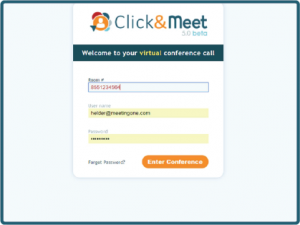
Click&Meet 5.0 Beta sign in

Click&Meet 5.0 Support Resources

MeetingOne’s reimagined Click&Meet 5.0 is here! You can login and access available help resources below. To share feedback with us, please fill out the form on this page.
(Looking for the original C&M? Sign in here.)
 Read MeetingOne’s Terms & Conditions and Privacy Policy.
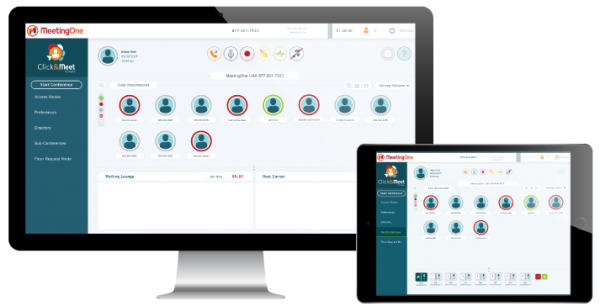
Click&Meet 5.0 Beta Program Display

 Sign in to Click&Meet 5.0 now!

We support Chrome, Edge, Firefox, or Safari browsers.

Submit Your Feedback on Click&Meet

Help us grow! Share your experience and thoughts on this updated platform.

Your feedback helps us advance our Click&Meet platform to meet your needs. Share your comments, ideas, or insights into better workflows of how you use Click&Meet 5.0 to manage your conference calls.

Conference Calling

Stay in the loop on Product Updates

Learn about all the latest features and functionality being brought to Click&Meet – subscribe to MeetingOne Emails.


Click&Meet 5.0 Support

Need assistance with Click&Meet 5.0?  Contact us!


US & Canada Support
1-888-523-8445

support@meetingone.com


EMEA Support
+33 9 75 18 22 84

supportEU@meetingone.com


APAC Support
+81 345400764

supportEU@meetingone.com


LATAM Support
+525546242439

support@meetingone.com

+ US & Canada


US & Canada Support
1-888-523-8445

support@meetingone.com

+ EMEA


EMEA Support
+33 9 75 18 22 84

supportEU@meetingone.com

+ APAC


APAC Support
+81 345400764

supportEU@meetingone.com

+ LATAM


LATAM Support
+525546242439

support@meetingone.com

ClickMeet 5.0 User Guides:

Getting Started

In this reading guide, you will learn:
  • Logging in
  • Opening your audio room
  • Dialing Participants

Display Set Up

In this reading guide, you will learn:
  • Viewing Displays
  • Participant Views
  • Sorting Options

Manage Your Call

In this reading guide, you will learn:
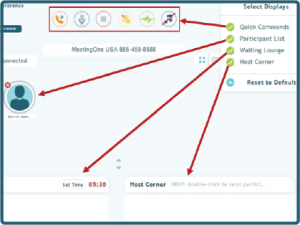
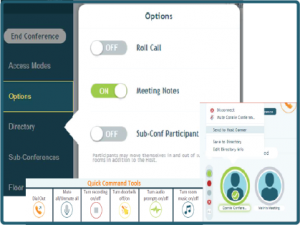
  • Quick Commands
  • Multiple Participant Control
  • Meeting Notes

Manage Your Recordings

In this reading guide, you will learn:
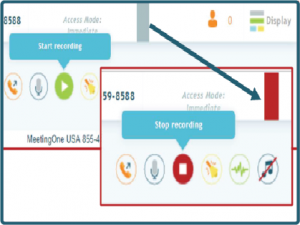
  • Start & stop recordings
  • Accessing your recordings
  • Downloading your recording

Sub-Conference Rooms

In this reading guide, you will learn:
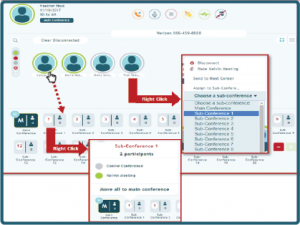
  • Opening your sub-conference room
  • Types of sub-conference rooms
  • Understand sub-conference rooms

Manage Participant Access

In this reading guide, you will learn:
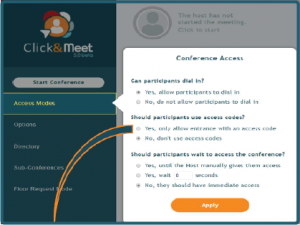
  • Unconditional Access
  • Coded Access
  • Locked Access

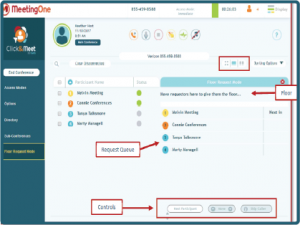
Floor Request Mode

breakdown of the Click&Meet Q&A tool: Floor request mode

In this reading guide, you will learn:
  • Opening floor request mode
  • Pausing the open floor
  • Controlling the floor

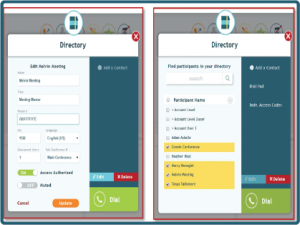
Directory

In this reading guide, you will learn:

  • Add a contact
  • Call participants from directory
  • Edit Directory Information